
Samsung Galaxy Tab A11

Turn on the screen lock
Press On/Off.
Turn off the screen lock
Press On/Off and slide you finger across the screen.
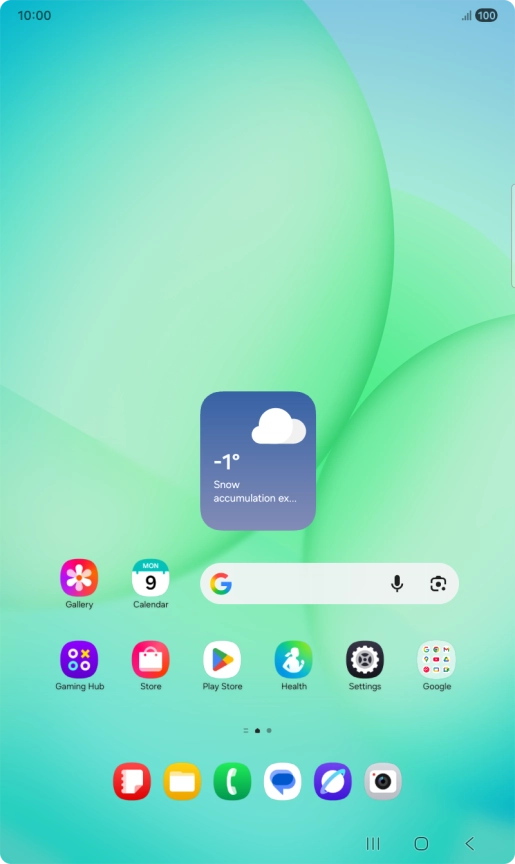
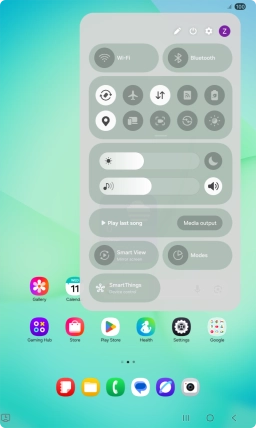
Set automatic screen lock
Slide your finger downwards starting from the top right side of the screen.
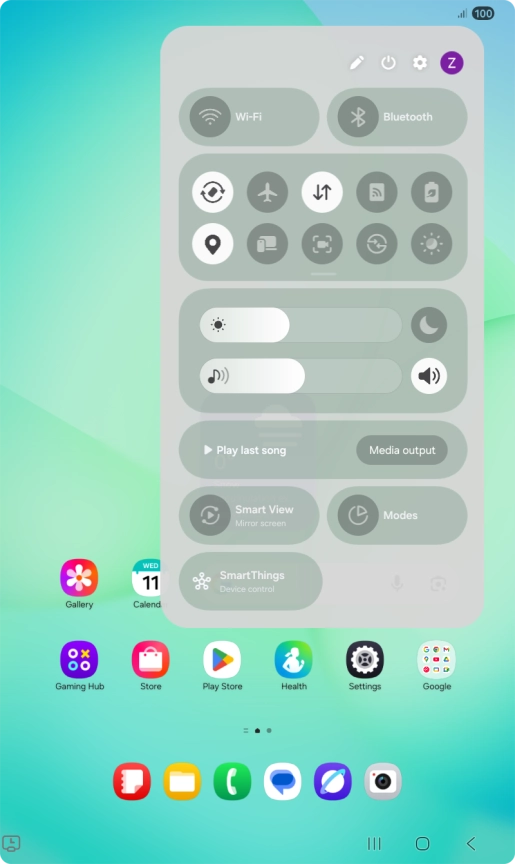
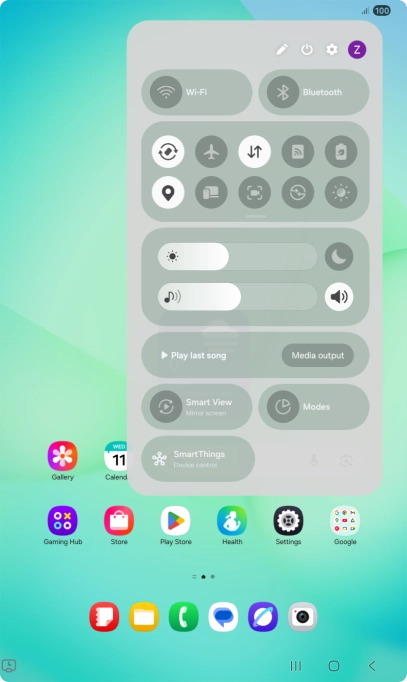
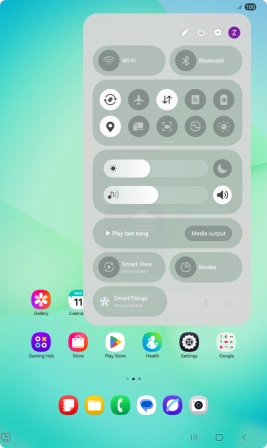
Set automatic screen lock
Press the settings icon.


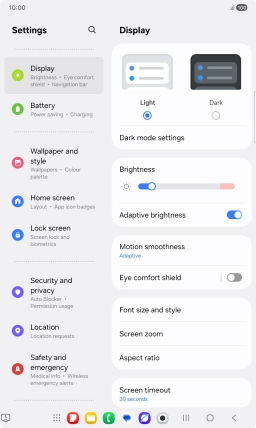
Set automatic screen lock
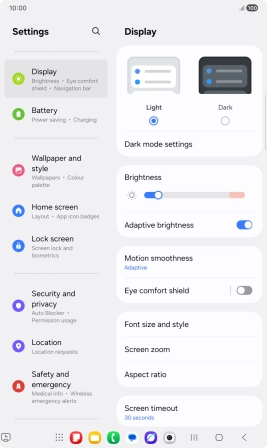
Press Display.
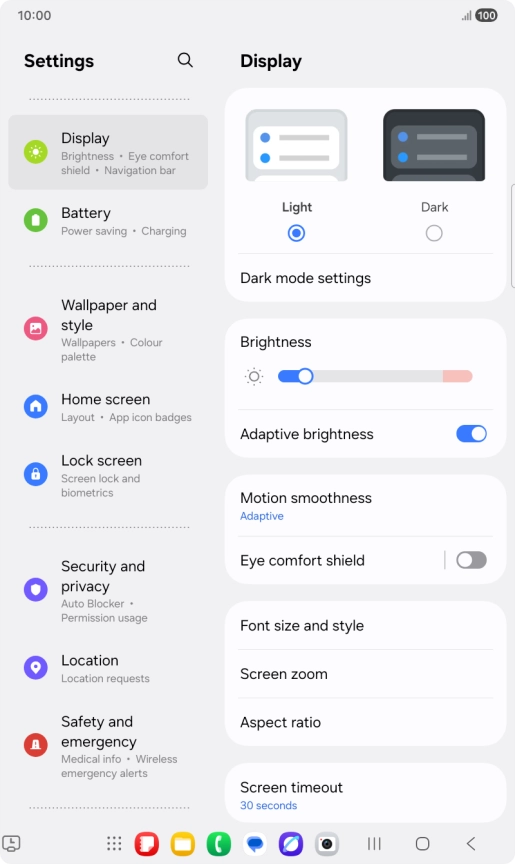
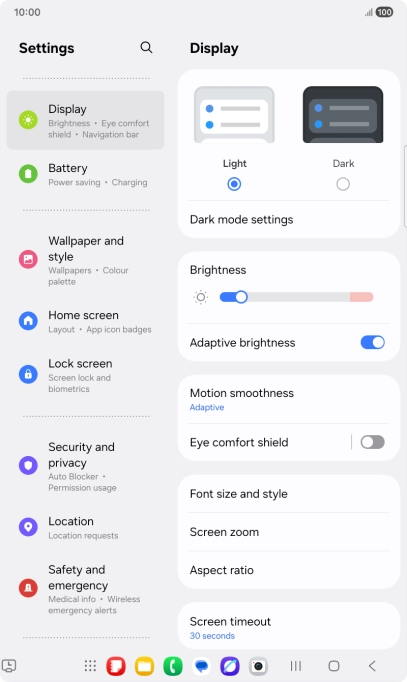
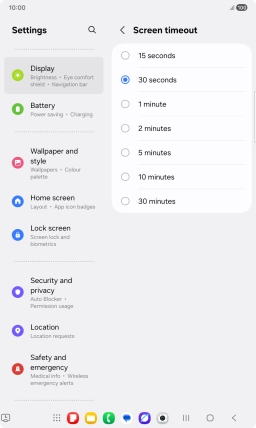
Set automatic screen lock
Press Screen timeout.
Set automatic screen lock
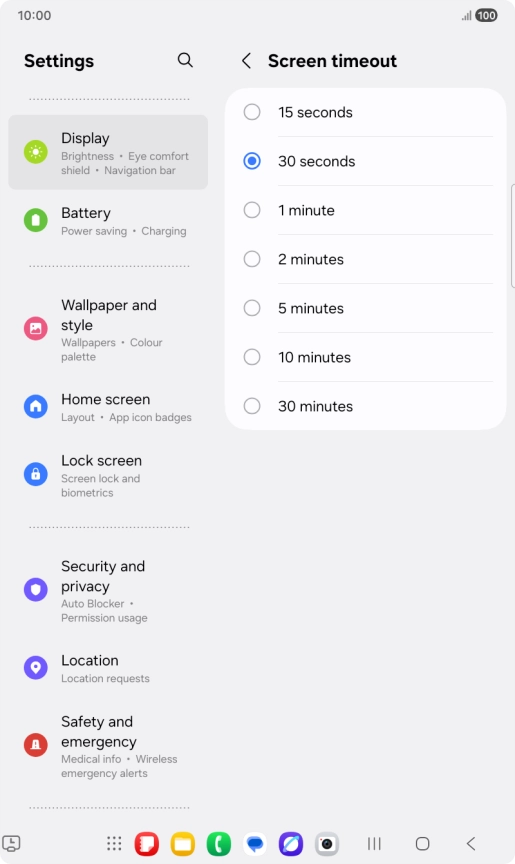
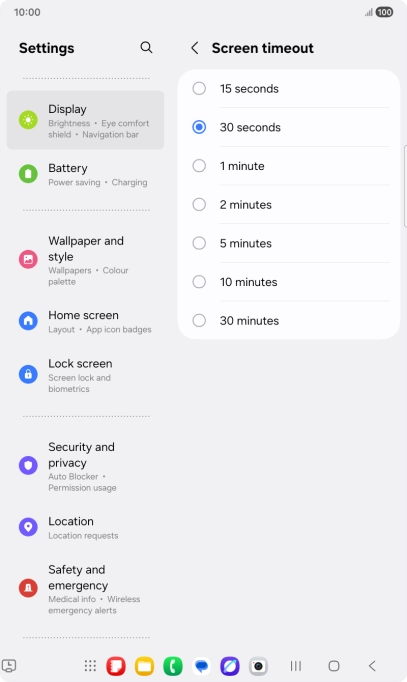
Press the required setting.
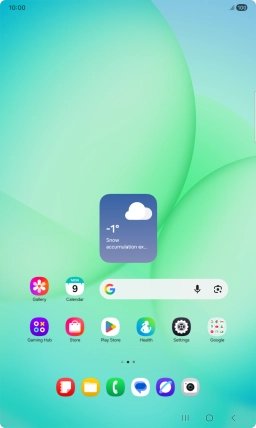
Return to the home screen
Press the Home key to return to the home screen.
1 Turn on the screen lock
2 Turn off the screen lock
3 Set automatic screen lock

4 Return to the home screen