Apple iPad Air 11 (M3) (2025)

Apple iPad Air 11 (M3) (2025)

iPadOS 26

I can't install apps on my Apple iPad Air 11 (M3) (2025) iPadOS 26

Cause 4 of 4: Your Apple ID hasn't been activated on your tablet

To install apps, your Apple ID needs to be activated on your tablet.

Solution: Activate your Apple ID on your tablet.

Step 1 of 8

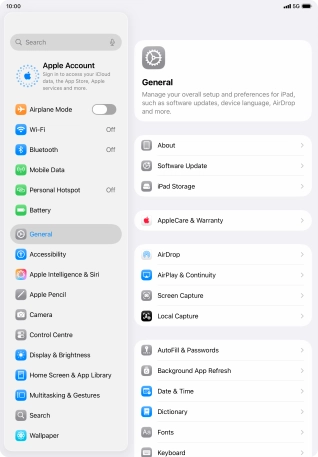
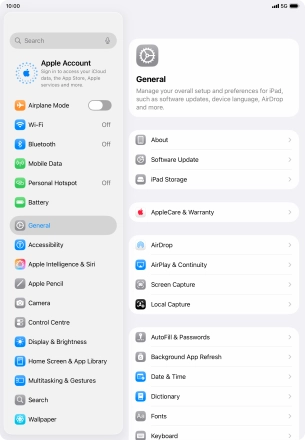
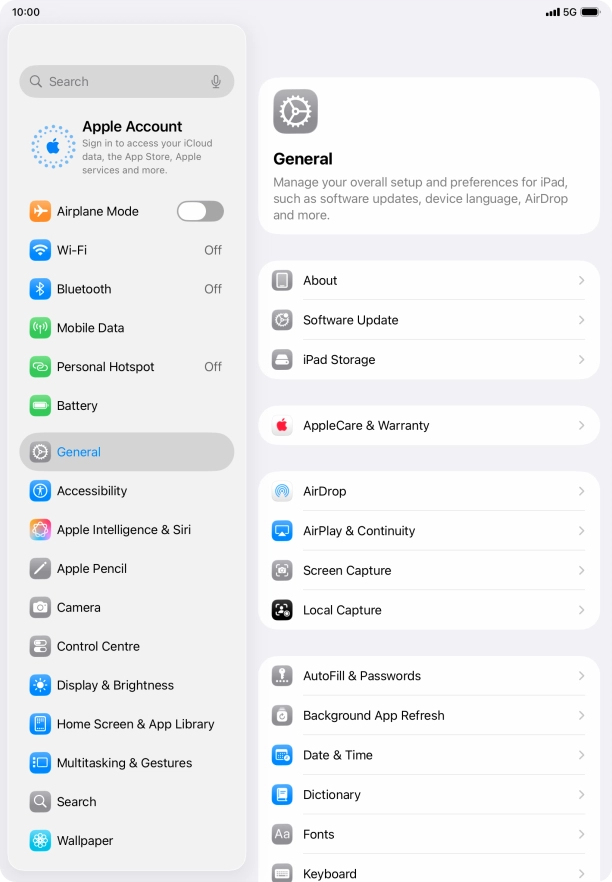
Find "Apple Account"

Press Settings.
Step 2 of 8

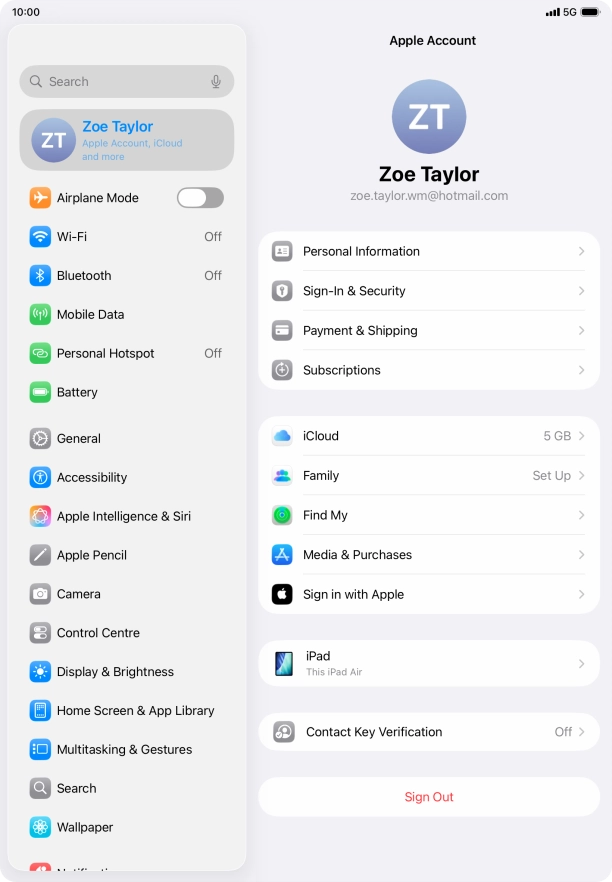
Find "Apple Account"

Press Apple Account.

Step 3 of 8

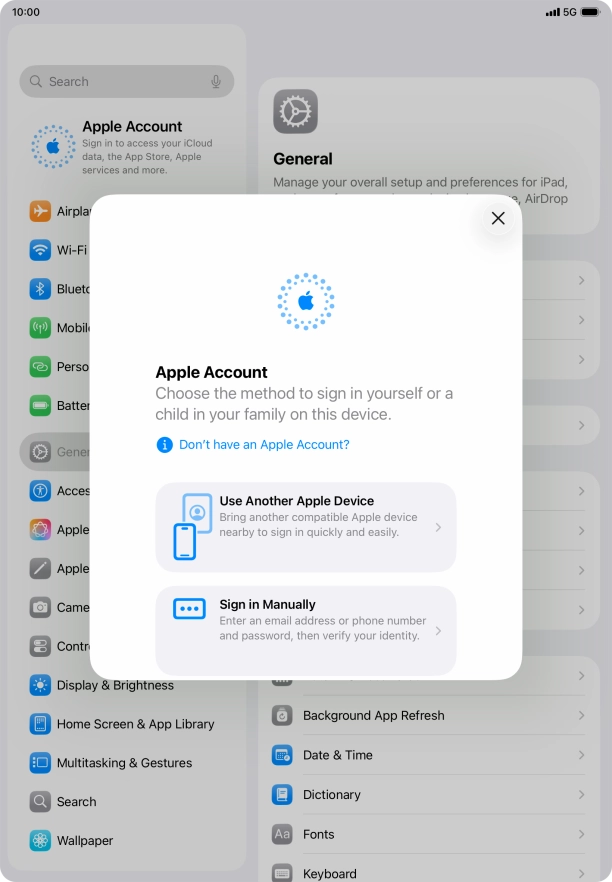
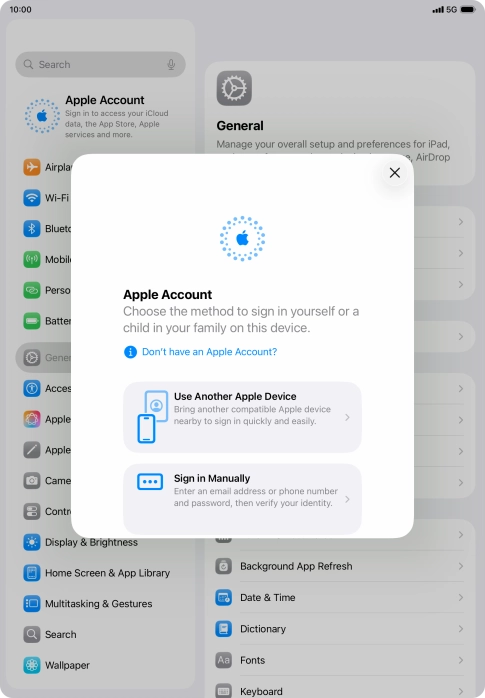
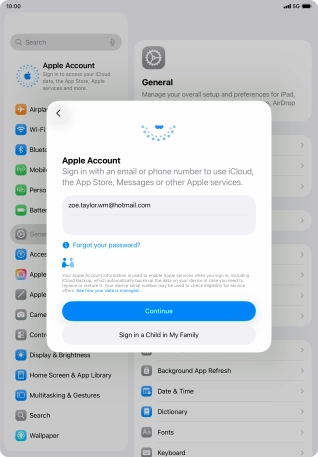
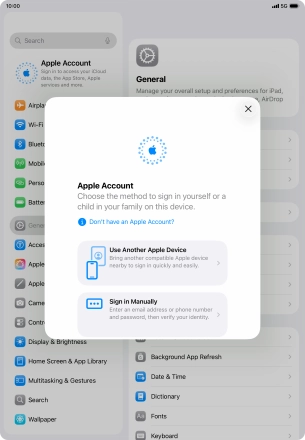
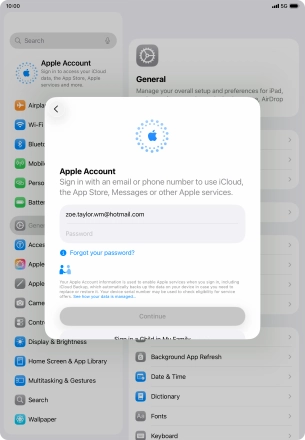
Activate your Apple Account

Press Sign in Manually.

Step 4 of 8

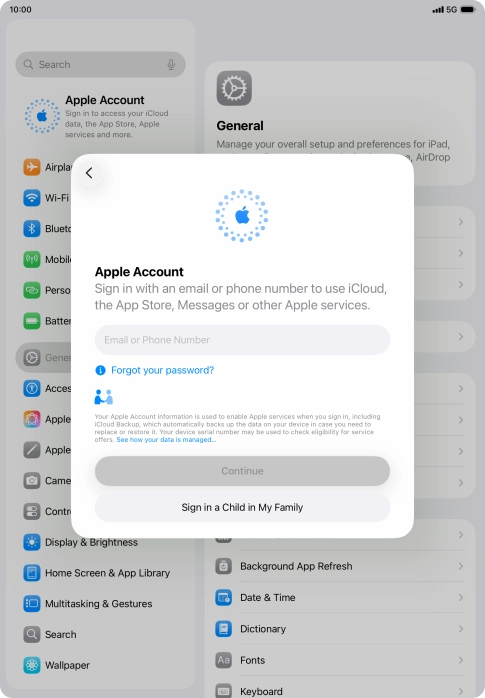
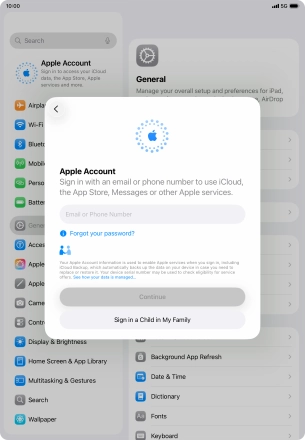
Activate your Apple Account

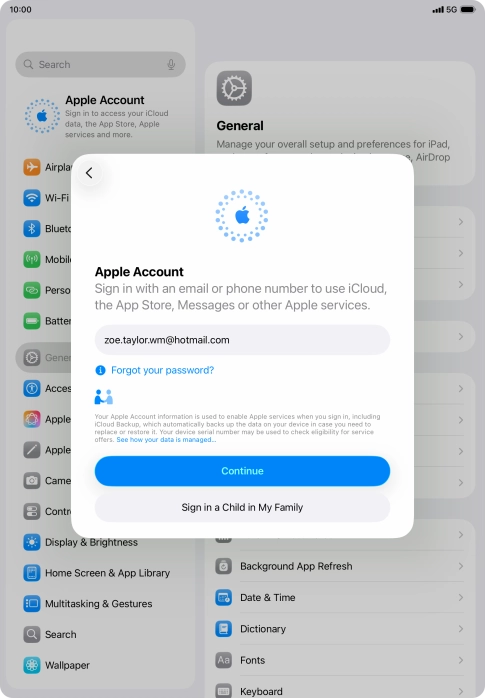
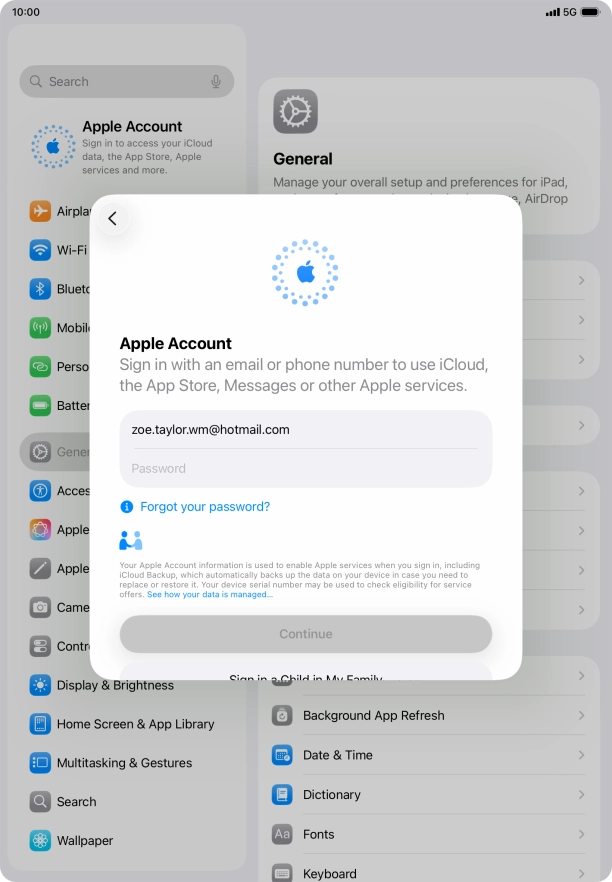
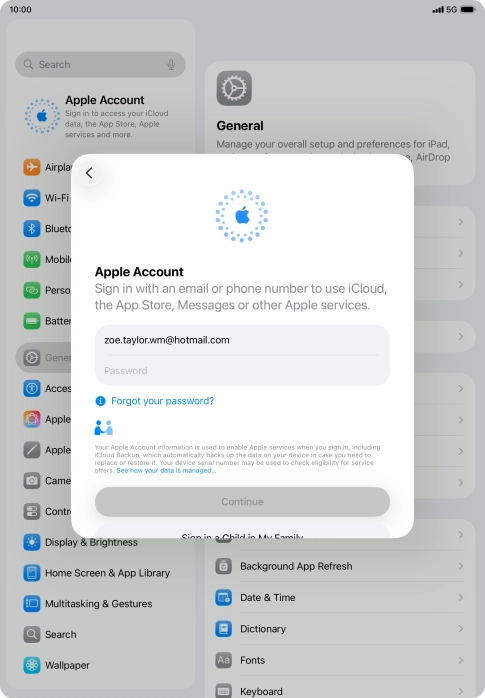
Press Email or Phone Number and key in the username for your Apple Account.

Step 5 of 8

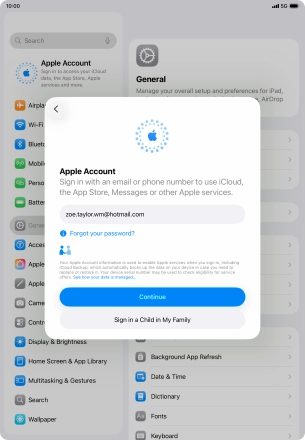
Activate your Apple Account

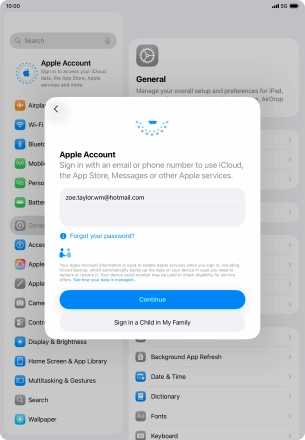
Press Continue.

Step 6 of 8

Activate your Apple Account

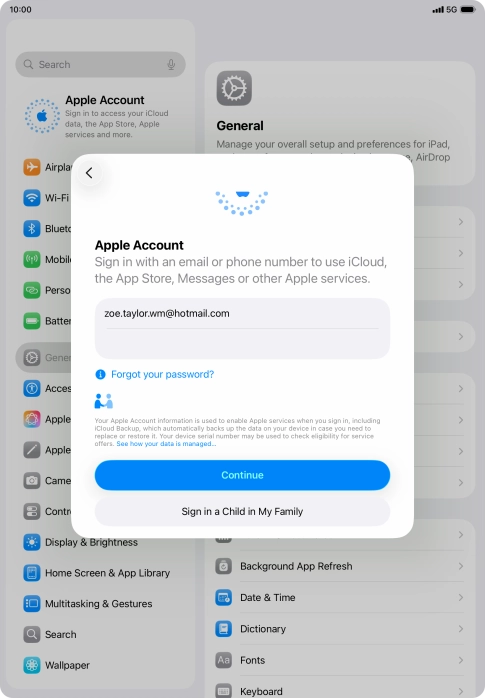
Press Password and key in the password for your Apple Account.

Step 7 of 8

Activate your Apple Account

Press Continue.

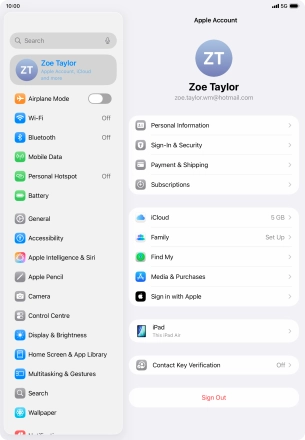
Step 8 of 8

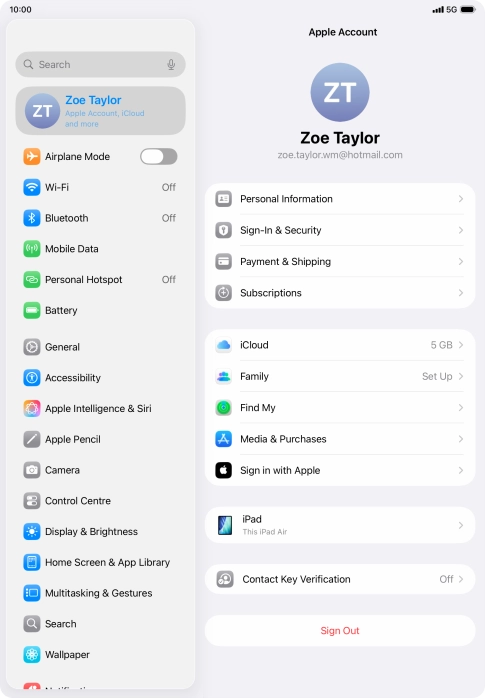
Return to the home screen

Slide your finger upwards starting from the bottom of the screen to return to the home screen.

1 Find "Apple Account"

Press Settings.
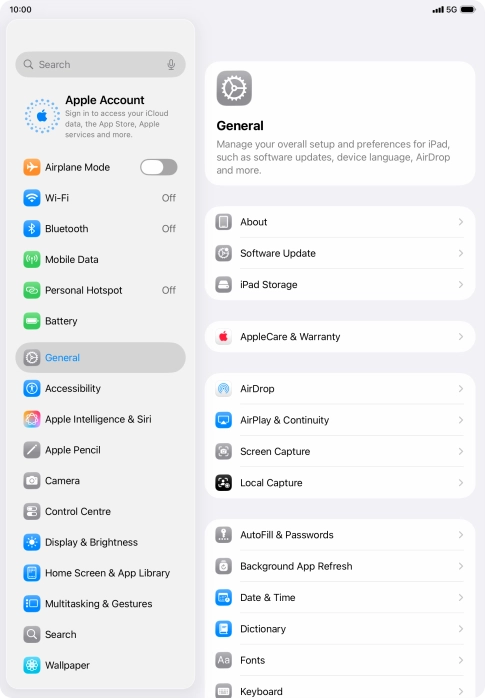
Press Apple Account.

2 Activate your Apple Account

Press Sign in Manually.
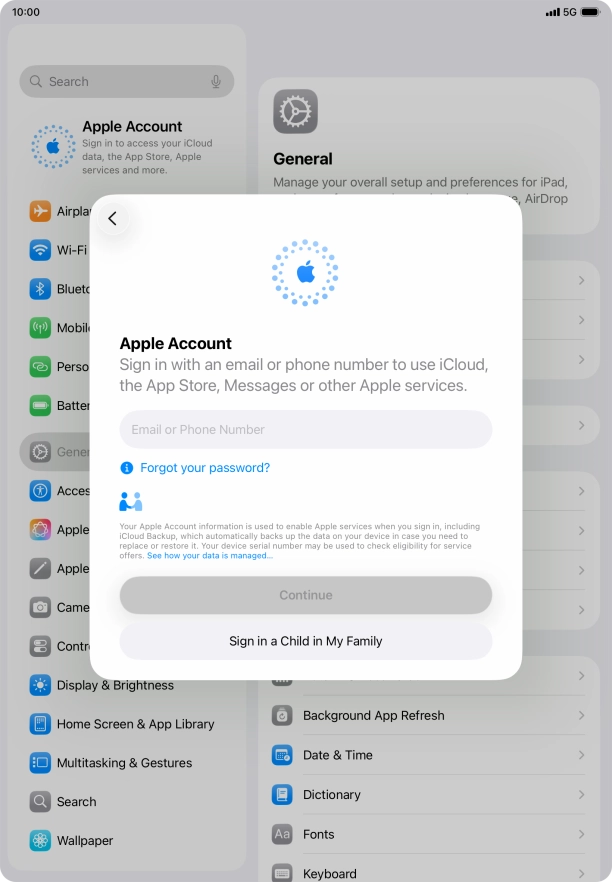
Press Email or Phone Number and key in the username for your Apple Account.
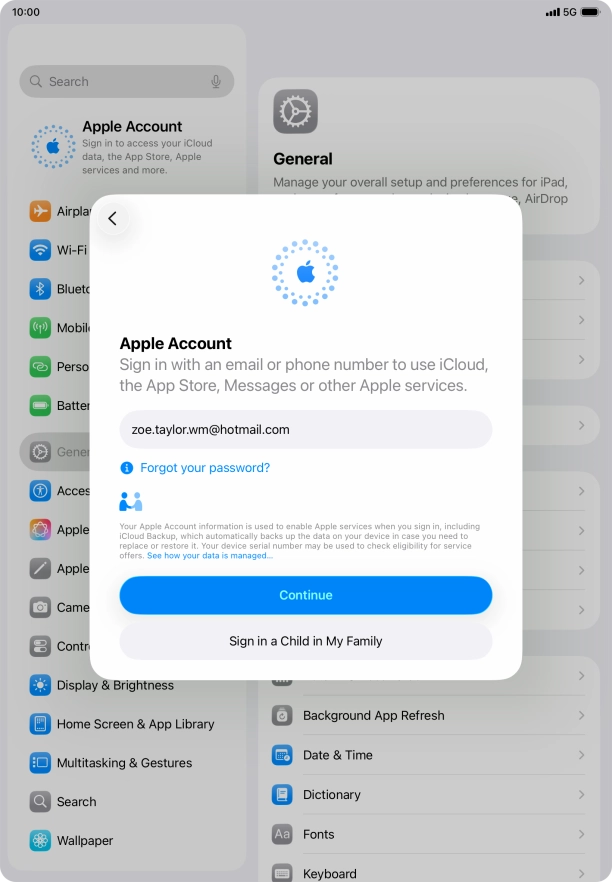
Press Continue.
Press Password and key in the password for your Apple Account.
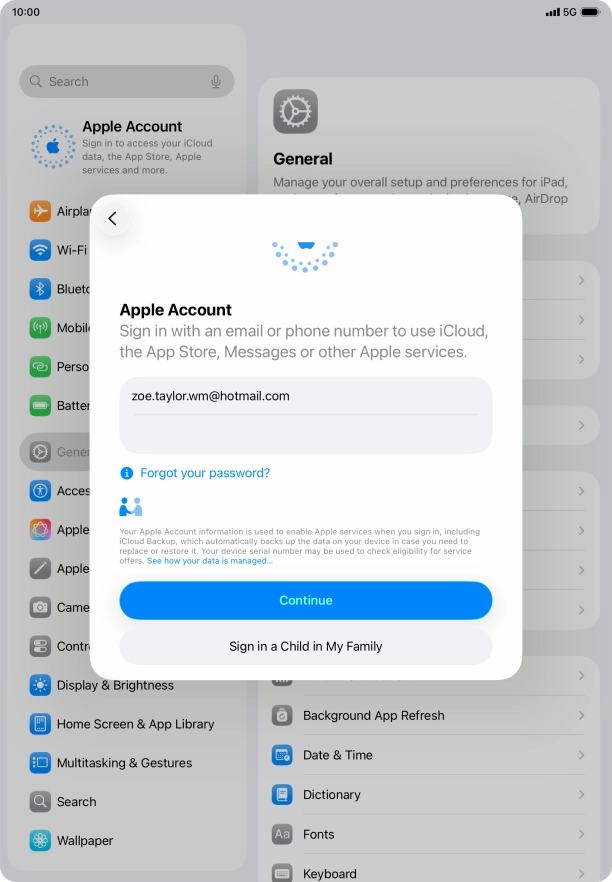
Press Continue.

3 Return to the home screen

Slide your finger upwards starting from the bottom of the screen to return to the home screen.

Get information on...

Or choose...

Another device